Introduction
AI-Native Phone Infrastructure for Emerging Markets
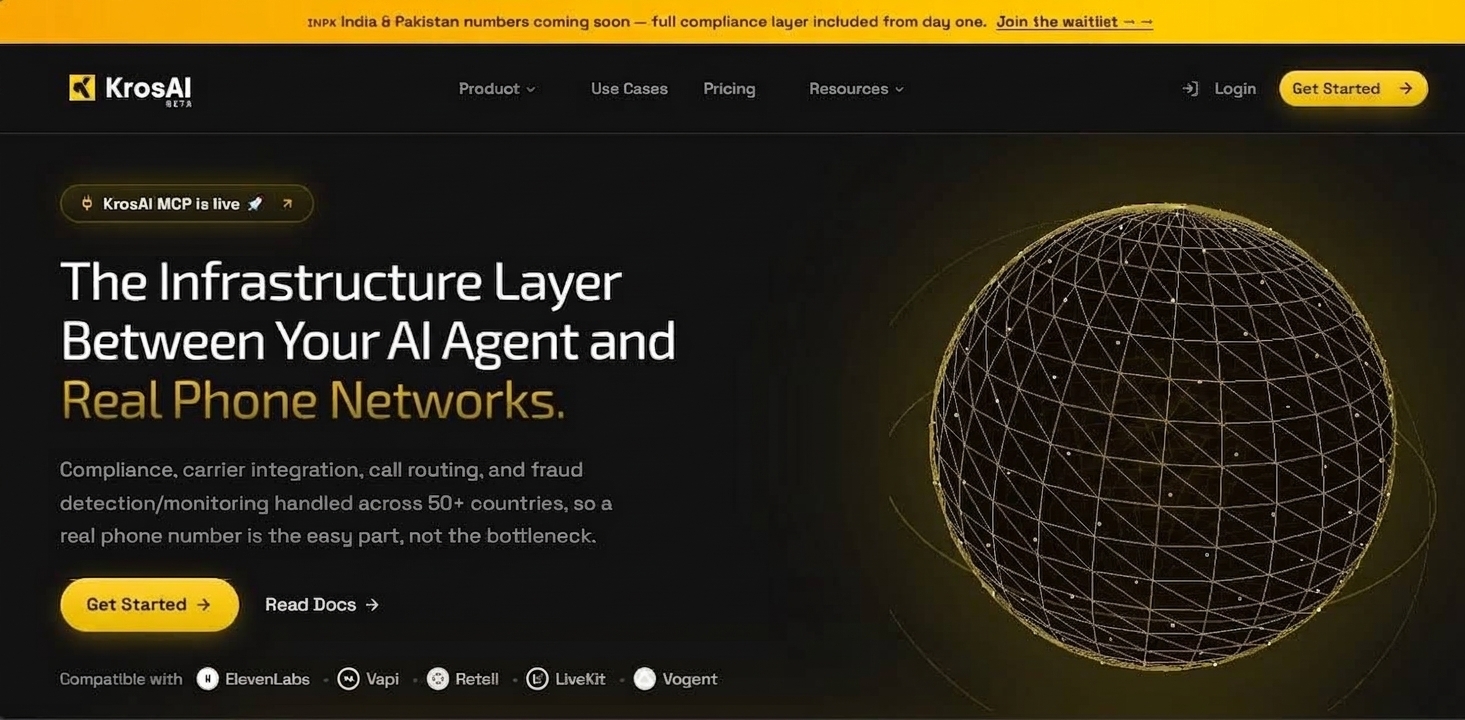
KrosAI is the developer platform for connecting AI voice agents to real phone numbers. We handle the complex telephony infrastructure so you can focus on building great voice experiences.
What is KrosAI?
KrosAI bridges the gap between AI voice agents and traditional phone networks. Whether you're building customer support bots, sales automation, or appointment scheduling systems, KrosAI provides the infrastructure to make and receive real phone calls.
With KrosAI, you can:
- Connect any AI agent to phone numbers - ElevenLabs, Vapi, Retell, LiveKit, or your custom voice agent
- Provision local numbers in emerging markets - Africa (Nigeria, Kenya, Ghana, South Africa) and MENA (UAE, Egypt)
- Simple API & SDK - Get your first call working in under 5 minutes
- Full observability - Call logs, recordings, transcripts, and analytics
How it works
1
Your AI agent
Produces audio output (speech synthesis).
2
KrosAI Bridge
Handles WebRTC/SIP conversion and routes audio to/from phone networks.
3
Phone Network
Connects to real phones via local numbers in your target markets.
Key capabilities
Sub-second latency | Optimized audio routing for natural conversations |
Emerging market coverage | Local numbers in Nigeria, Kenya, UAE, Ghana, and more |
Simple SDK | Connect your agent in 10 lines of code |
Real-time events | Webhooks for call.started, call.ended, transcription, etc. |
Per-second billing | Pay only for the time you use |
Call recordings | Automatic recording with transcript generation |
Choose your path
Phone Calls (5-minute quickstart)
Build your first voice agent in 5 minutes
Create an AI-powered phone line that can make and receive calls. Perfect for customer support, sales automation, and appointment booking.
→ Get started with phone calls
💻 Web Integration (Voice SDK)
Embed voice in your app
Use our React SDK to add phone calling capabilities directly to your web application.
Supported AI providers
ElevenLabs | WebRTC/SIP | Natural conversation, voice cloning, multilingual |
Vapi | SIP | Structured workflows, tool calling, function execution |
Retell | SIP | Low-latency, custom LLMs, enterprise deployments |
LiveKit | WebRTC | Real-time collaboration, multi-party calls |
Custom/Webhook | HTTP | Your own voice infrastructure |
Quick links
- API Reference - Full REST API documentation
- 💡 Questions? Ask our engineering team directly in the
#dev-supportchannel on Discord.


On this page
- Introduction